

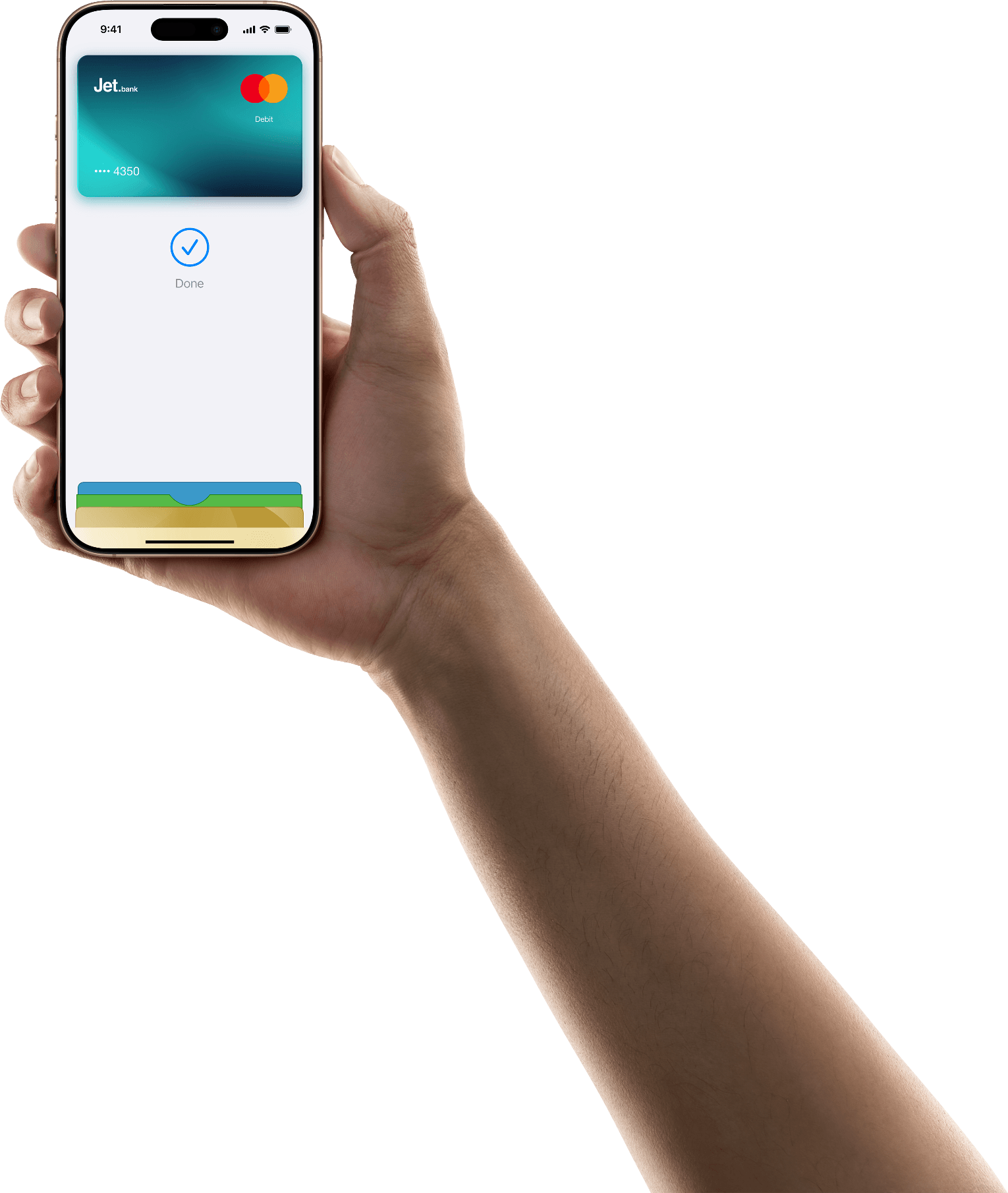
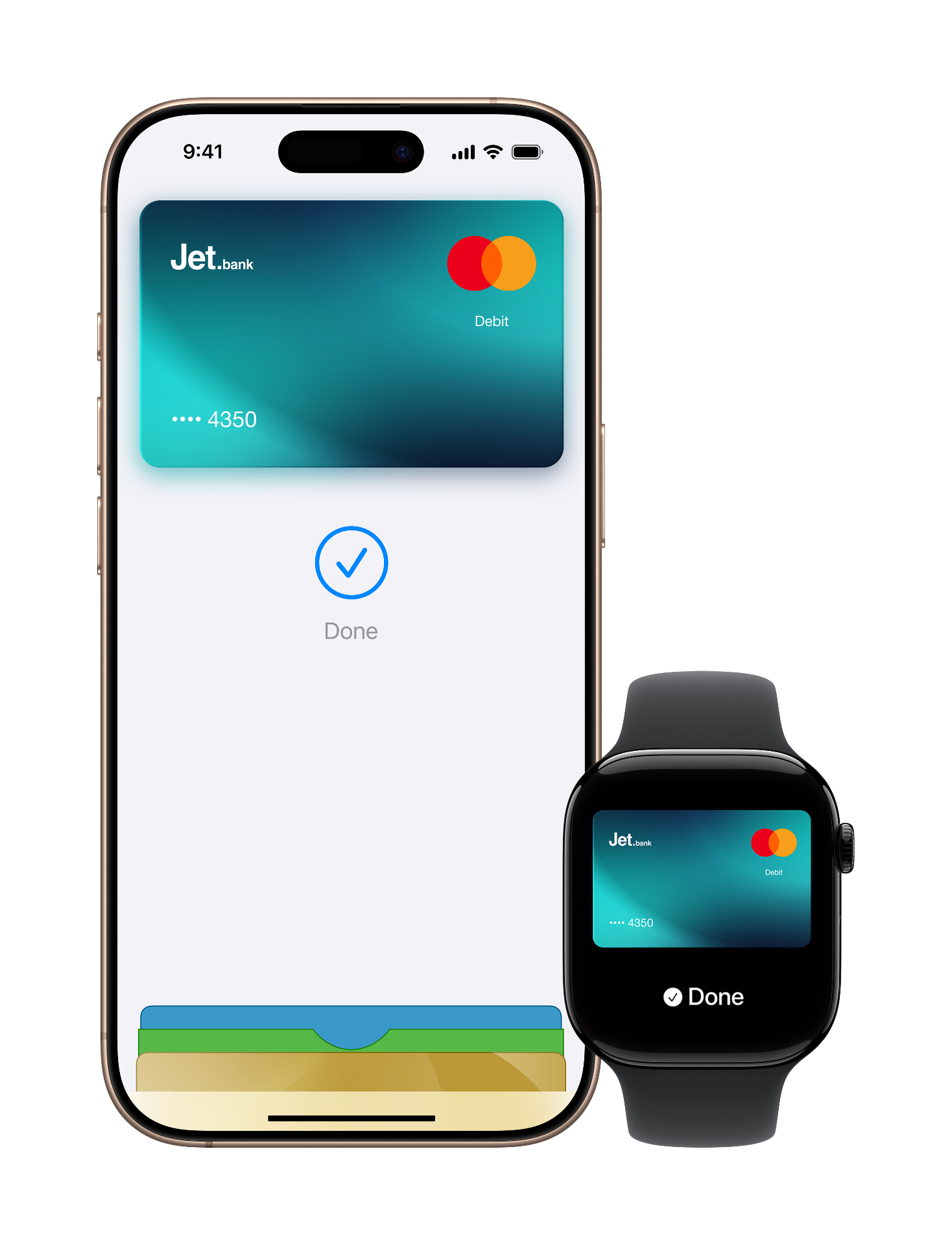
Your iPhone is now your Jet Bank card.
Apple Pay is an easy, secure, and private way to use your Jet Bank card on all your Apple devices.
Pay with Apple Pay
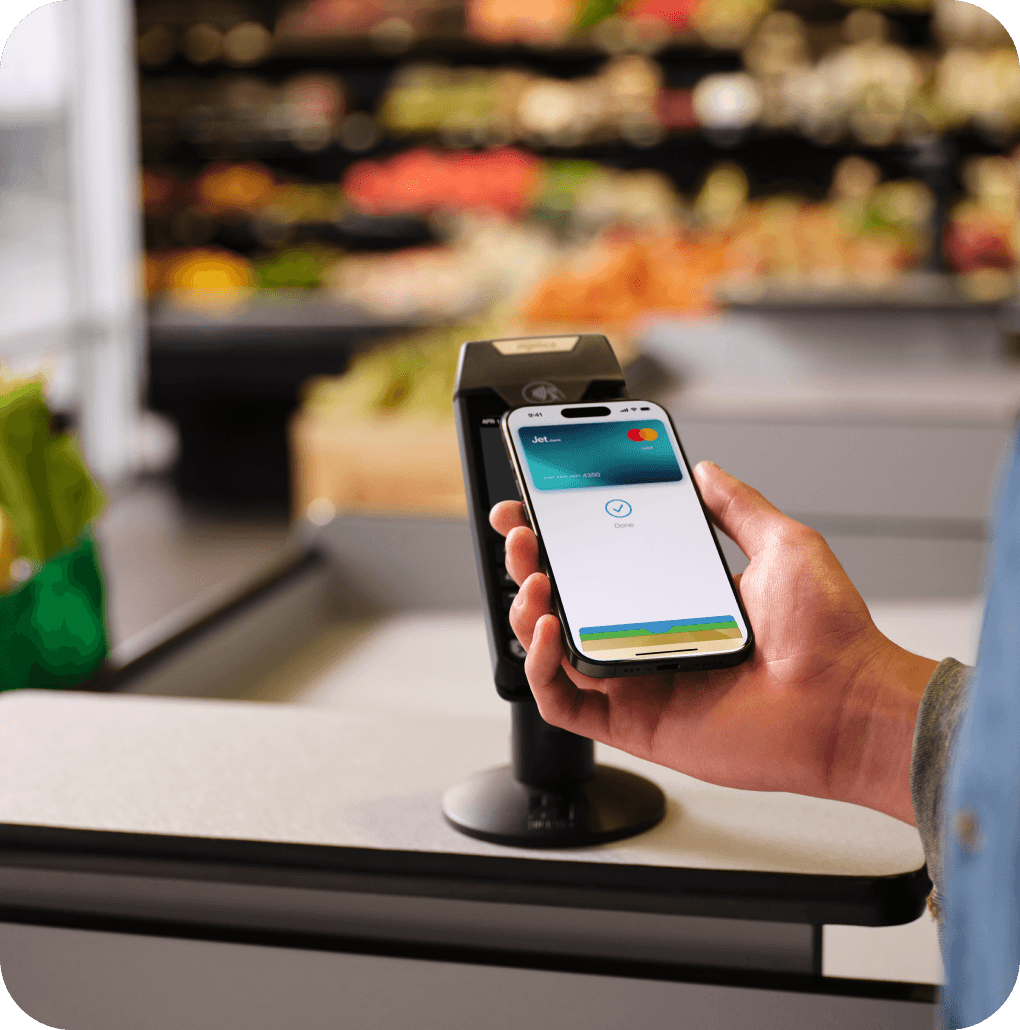
Use Apple Pay with your JetBank card to pay quickly and securely in stores, online, and in apps.
 Add to Apple Wallet
Spend in seconds
Pay with your iPhone or Apple Watch in just a few taps. No wallet needed.
Easy. Secure. Private.
Apple Pay uses built-in security features to keep your payments safe. Your card details aren't shared with merchants, and every payment is confirmed with Face ID, Touch ID, or your passcode.
Use it almost anywhere
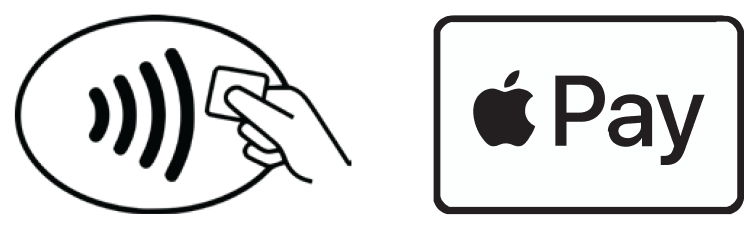
Pay wherever you see the Apple Pay or contactless symbol in stores, online, and in apps.
Use Apple Pay wherever you see one of these symbols.
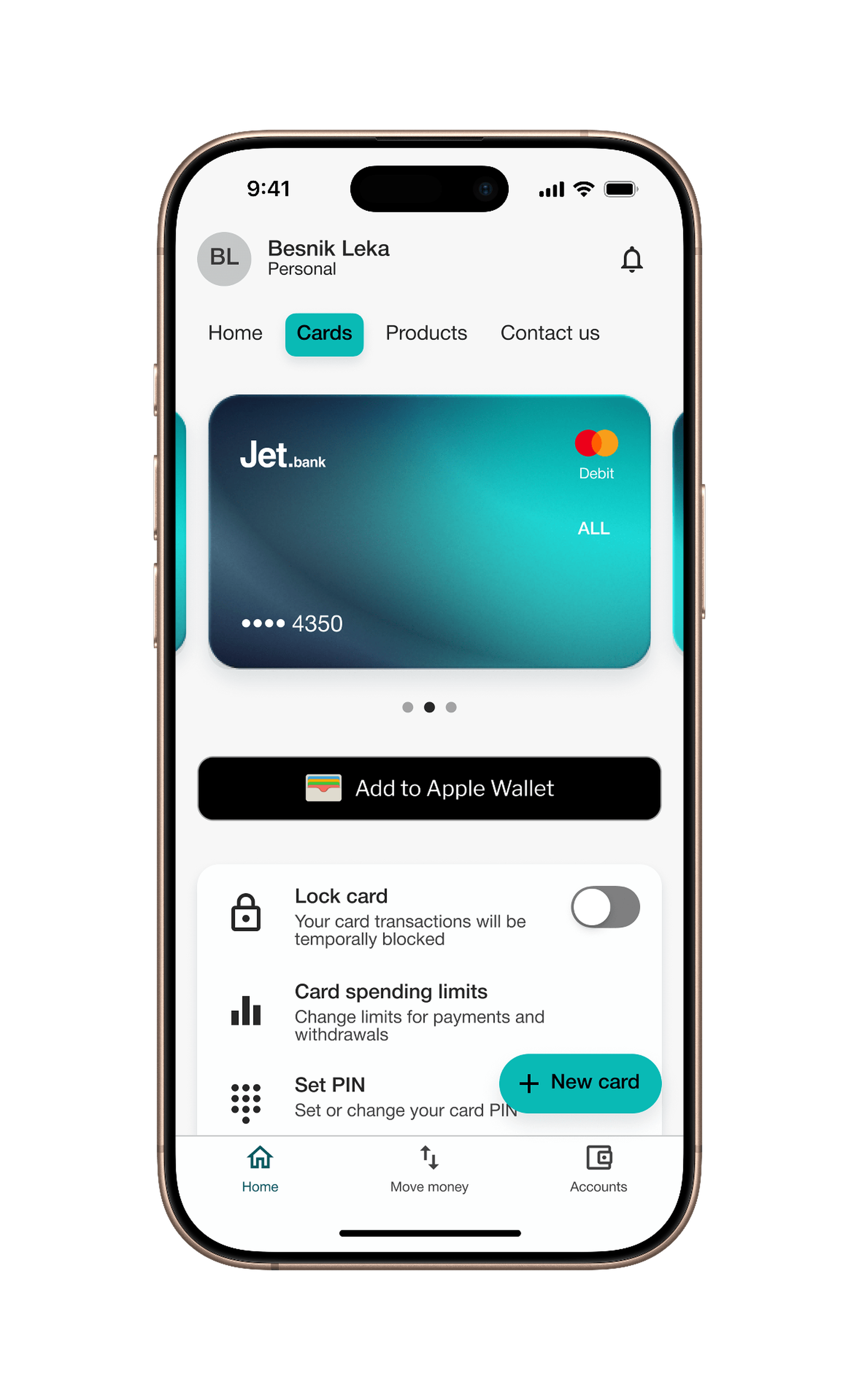
How to add your Jet Bank card
Add your card in seconds directly from the Jet.bank app
From your iPhone
How to pay
In store
Double-click the side button and hold your iPhone near the reader.
Online or in apps
Select Apple Pay at checkout and confirm your payment.
Works across your Apple devices
Use Apple Pay with iPhone, Apple Watch, iPad, and Mac. A better way to pay
With JetBank, your money is already digital. Apple Pay just makes it easier to use anytime, anywhere.

Frequently Asked Questions
Everything you need to know about using Apple Pay with Jet Bank.
Legal
Apple Pay is a service provided by Apple Inc. Terms and conditions apply.